Don’t hesitate to contact us:
Forum: discuss.graphhopper.com
Email: support@graphhopper.com
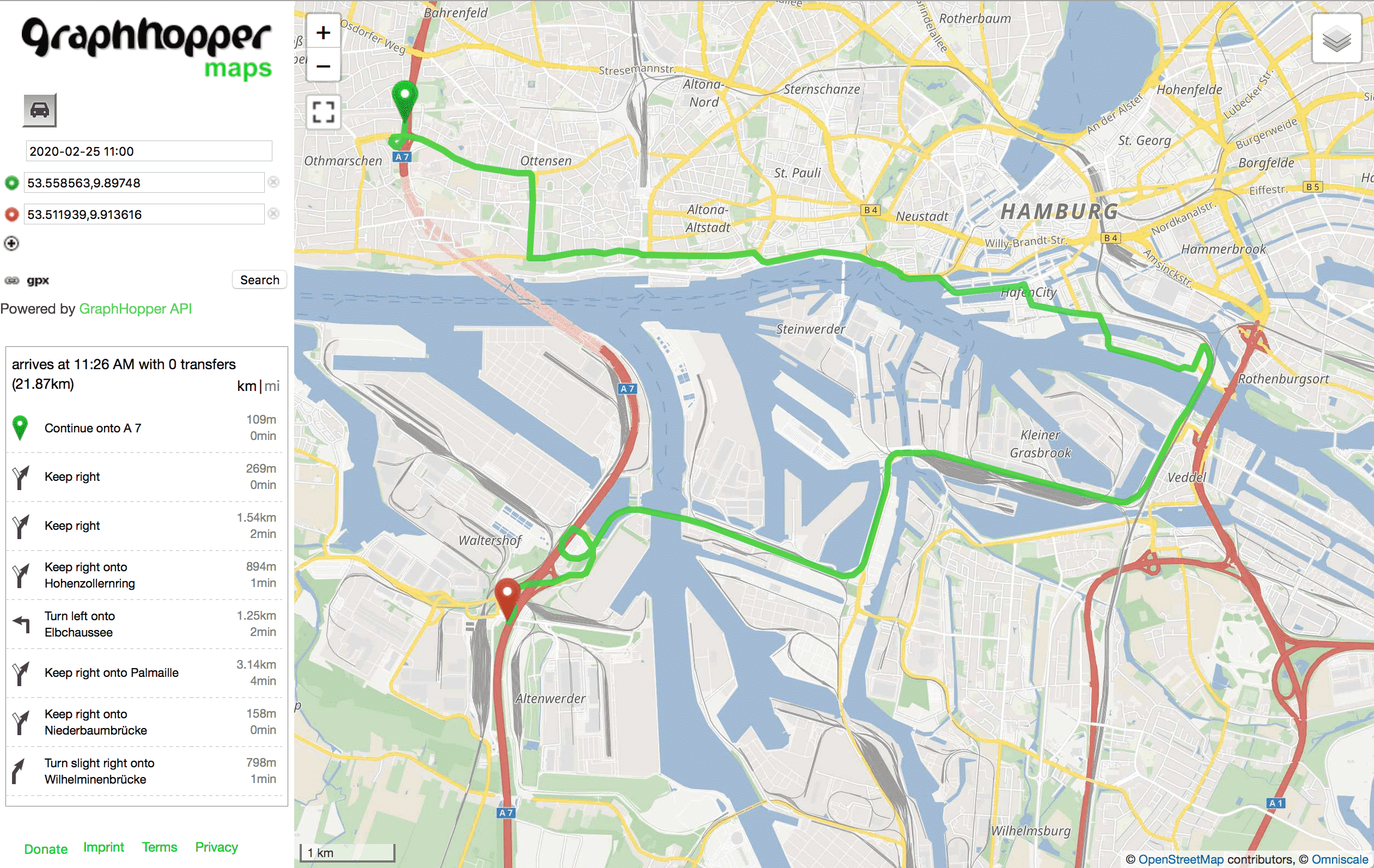
Over the past year, we’ve been investigating time-dependent routing, in particular time-dependent access restrictions and time-dependent turn restrictions. We’ve been working with the University of Heidelberg, and the work has been supported by a grant from the Federal Ministry of Transport and Digital Infrastructure. The recommended route from the northern part of the city of […]
Ending support for TLS 1.0/1.1 From March 4th, 2020, all requests to the GraphHopper Directions API must use HTTP over TLS (HTTPS), with support for TLS 1.2. We’ve decided to make this change in the best interest of our customers. This way we can ensure the security of data in transit and stay up to […]
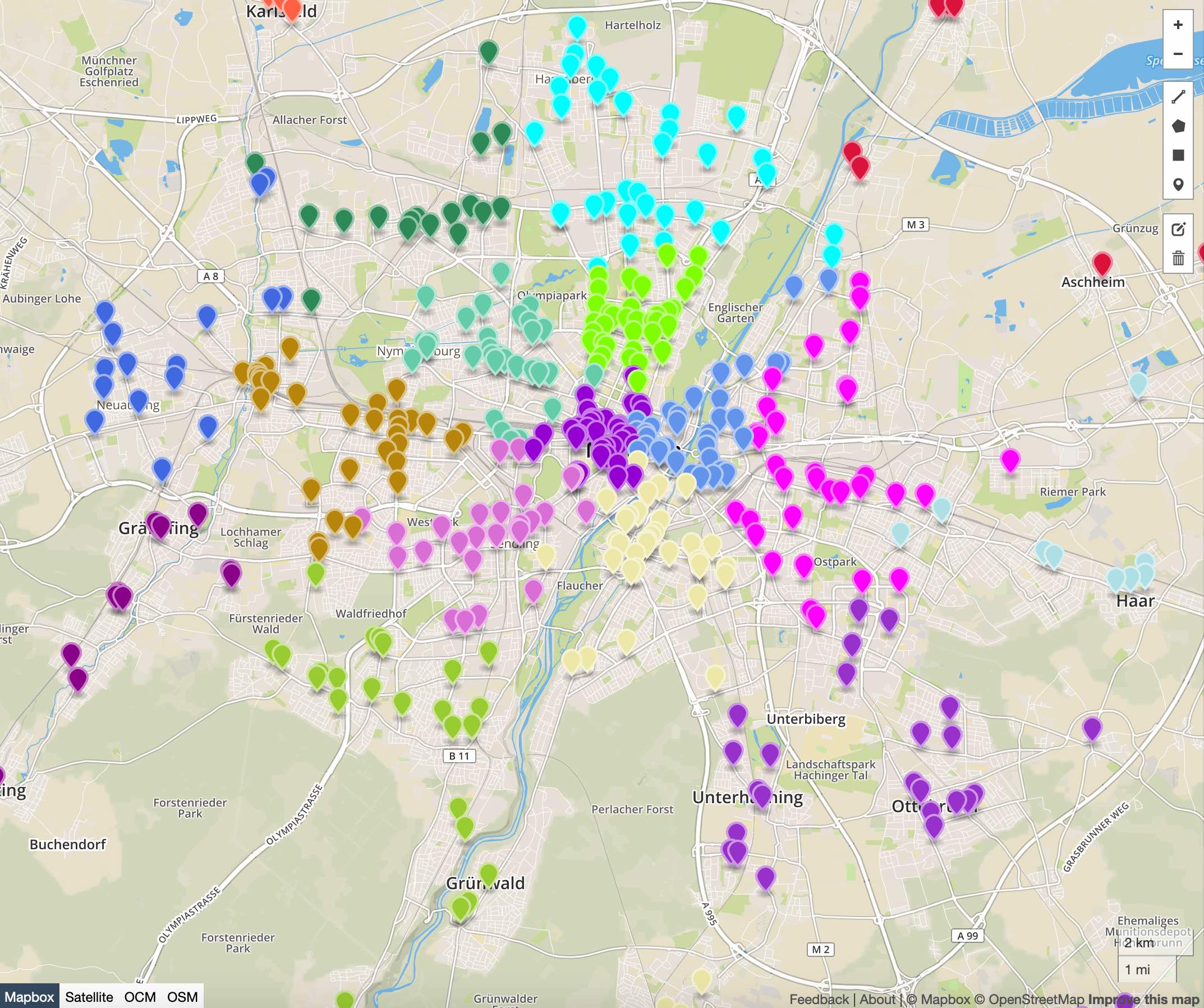
We’re happy to announce our new product: the Cluster API! It solves the “capacity clustering problem” by assigning a set of customers to a given number of distinct groups (called clusters). The API “clusters” by minimizing the total distance from each individual customer to its designated group median. It can also consider minimum and maximum […]
Thanks to all our customers and users who challenge us daily to make our services and open source projects better. Just take a look at our newsletters and see what we have achieved in just one year. I’m really proud to be part of the GraphHopper team and that we have created an independent company […]
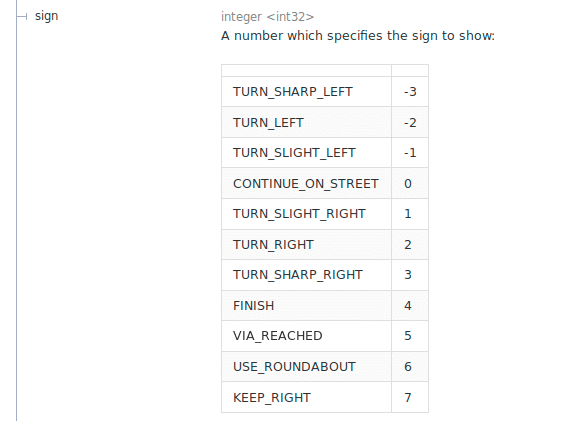
With the GraphHopper Directions API it is easy to calculate the route from A to B including multiple intermediate waypoints. Our customers often use the Route Optimization API to get an optimized order of many deliveries. To deliver your packages or services in real world you additionally need a navigation application where you need turn […]
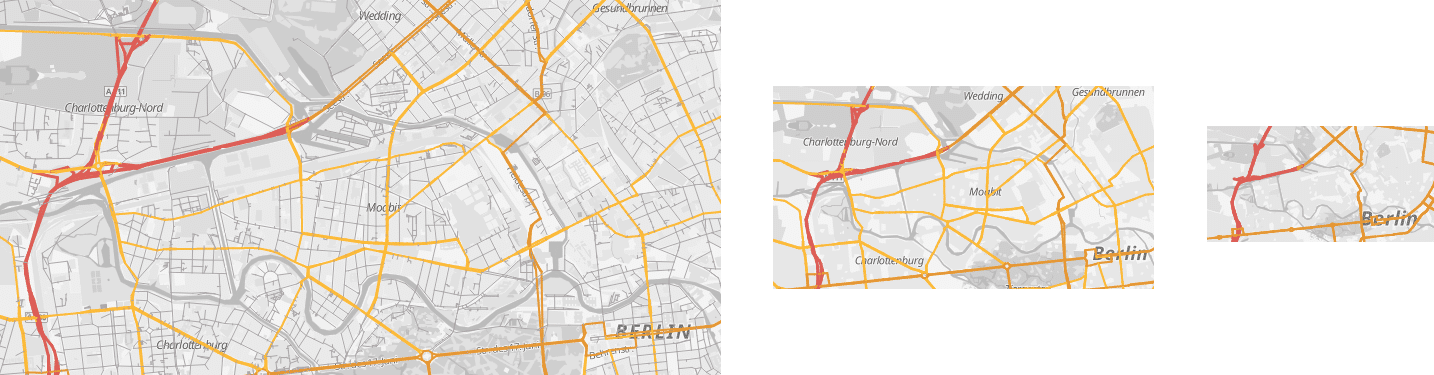
Today, we are proud to announce the release of GraphHopper 0.13. GraphHopper is an open source routing engine for roads and public transit, released under the Apache License 2.0. By default it uses OpenStreetMap and GTFS data and it can import other data sources. The demo is called GraphHopper Maps and shows most road routing […]
