Don’t hesitate to contact us:
Forum: discuss.graphhopper.com
Email: support@graphhopper.com
The previous blog post was about the “normal way” of using GraalVM native images. In this blog post I use it to run Java code on Android without the usual limitations of “Android Java”. I.e. the Java code can be JDK 11 and include arbitrary libraries which is usually not possible when using Dalvik or ART. The obvious next step is to do the same with iOS, but this is for another blog post ;).
The first step is to create some Java code and include the maven plugin from Gluon “client-maven-plugin”. For GraphHopper I needed a snapshot version and so I included the gluonhq plugin repository, but this won’t be necessary once the next release is out.
You need lots of tooling for Android. First of all I got the latest GraalVM from Gluon:
wget https://download2.gluonhq.com/substrate/graalvm/graalvm-svm-linux-20.1.0-ea+26.zip
Unzip this and let GRAALVM_HOME point to it:
export GRAALVM_HOME=$BASE/graalvm-svm-linux-20.1-latest
Now you download the Android SDK and set an env variable to it:
export ANDROID_SDK=$BASE/android-sdk-linux
And you do the same for Android NDK:
export ANDROID_NDK=$BASE/android-sdk-linux/ndk/20.1.5948944/
The idea of “Gluon Mobile” is to use the same Java also for the mobile application code (“Java end-to-end”) without using the Android UI toolkit – instead these applications use JavaFX. For GrapHopper you can do the same but I wanted to provide a solution for developers with an existing “Android Java” application too and so I tried the client examples from Gluon to create a native library that can be used from an existing “Android Java” application. For that a very fresh GraalVM version was necessary which I built from sources:
# download a patched JDK from https://github.com/graalvm/labs-openjdk-11/releases/download/
export JAVA_HOME=/path/labsjdk-ce-11.0.6-jvmci-20.0-b02/
git clone https://github.com/graalvm/mx.git
export PATH=$PATH:$(pwd)/mx
git clone https://github.com/oracle/graal.git
cd graal/vm
mx clean
# without: polyglot stuff
mx -J-Xmx5g --env ce --disable-polyglot --disable-libpolyglot build
See this issue and this article or this script on how others did this.
But I couldn’t get it working. So I asked Gluon for some consulting and they improved their open source pipeline. After several days from them and also lots of further investment from myself we finally got it working! It is now possible to run the native GraphHopper library on my Android phone:
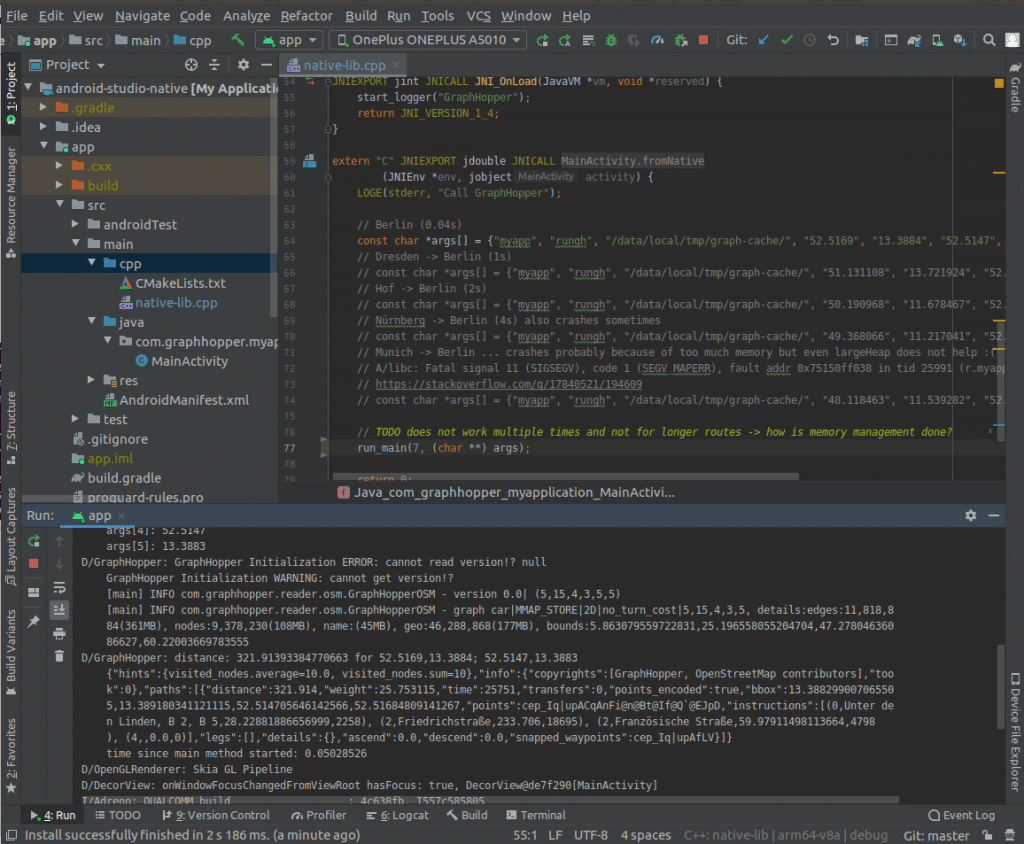
This means I created the native library libgraphhoppernative that I use from this Android NDK project a rather simple proof that it works looks like:
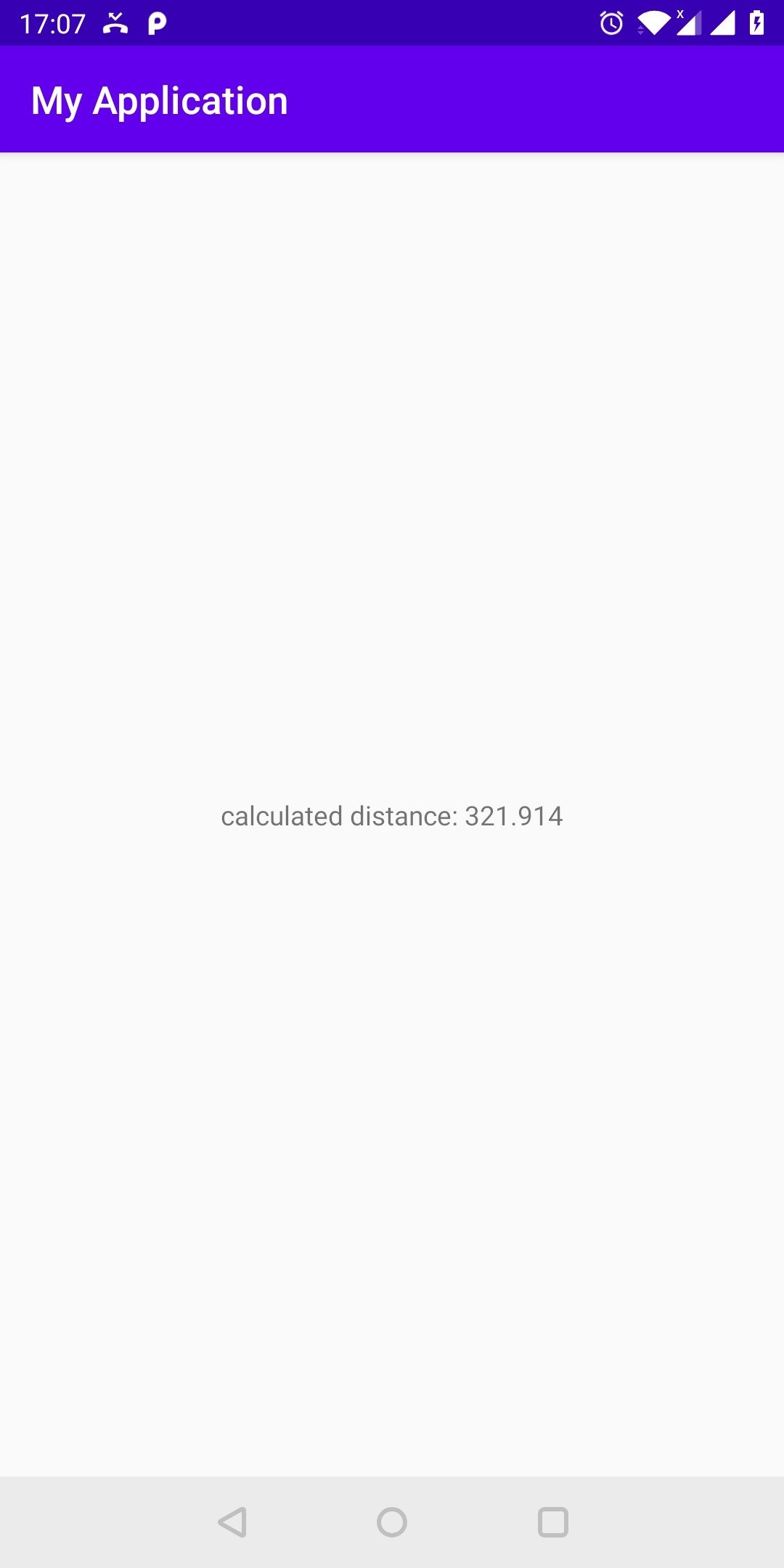
We could even do the OpenStreetMap data import or use the public transit module as all libraries and language features should work without a problem unlike for “Android Java”. And the speed of one routing request is also good in my preliminary tests.
Unfortunately there are currently a few caveats:
So this technology is really cutting edge, but I’m still excited about it as it can enable Java to be really platform-independent again.
Until then you would probably better use our Android library. See also this discussion.
Happy Routing!
This blog post is about the experience I made when compiling the GraphHopper routing engine to a native executable using GraalVM.
The GraphHopper routing engine is an open source project that uses the road network from OpenStreetMap and is able to calculate routes from A to B very fast and offers other features like isochrone calculation or map matching.
The GraalVM project is a huge project from Oracle Labs, see its official website. The technology behind “GraalVM native images” allows you to create a standalone native executable e.g. for Linux. This means you can run Java code without a JVM.
For our purpose we do the following steps:
To get started download GraalVM for your OS e.g. GraalVM CE for Linux amd64 and unzip it. Let JAVA_HOME point to this location. Then install the native-image tool into this installation:$JAVA_HOME/bin/gu install native-image
This tool needs a local C toolchain: glibc-devel, zlib-devel and gcc. On Linux you can install this via:sudo apt-get install zlib1g-dev
You can now verify that the native-image tool works: $JAVA_HOME/bin/native-image --help
To create the config files automatically you call:
$JAVA_HOME/bin/java -agentlib:native-image-agent=config-output-dir=./ni-configs -jar target/*-jar-with-dependencies.jar
When you include native-image-maven-plugin in your maven build you add these config files via:
-H:ConfigurationFileDirectories=${project.basedir}/ni-configs
See the full pom.xml here that also adds the dependency “library-support” so that we can include the static C hook to our Java code:
@CEntryPoint(name = "runGH")
public static double runGH(IsolateThread thread, /*more params*/) {
  return internalRun(/*more params*/);
}
Which we then can call in our C++ code:
#include <iostream>
#include "libgraphhopper.h"

using namespace std;

int main(int argc, char **argv) {
// This is some Graal boilerplate code
graal_isolatethread_t *thread = NULL;
if (graal_create_isolate(NULL, NULL, &thread) != 0) {
  fprintf(stderr, "graal_create_isolate error\n");
  return 1;
}
...
double distance = runGH(thread, lat1, lon1, lat2, lon2);
std::cout << "Distance calculated by GraphHopper " << distance << std::endl;

// Clean up Graal stuff
if (graal_detach_thread(thread) != 0) {
  fprintf(stderr, "graal_detach_thread error\n");
  return 1;
}
}
We can now build the project viamvn clean package
that creates an executable at ./target/graphhopper which is 15MB.
If you put some OpenStreetMap data at osm.pbf you can already start it and the second time you run it the startup performance is really nice. For OpenJDK it takes approx. 500ms which is already very good as you have to keep in mind that the road data is already loaded via memory mapping, but with the native image tool we can start GraphHopper, load the graph and run a routing request in under 30ms! For production it is likely faster as I just tested this on my weak laptop.

So what did we just do? We created a Java program which was started without a JVM!? That is the magic of GraalVM native images. It can handle other JVM-based languages like Scala, Clojure and Kotlin too. The resulting native image can, optionally, execute dynamic languages like JavaScript, Python etc. For more details visit the official documentation.
Of course this has some downsides like lower peak performance and longer compilation, but it makes Java now a viable choice to be used from within a bash loop or in a so called “serverless” scenario.
In the next post you’ll learn how we can use GraalVM to run GraphHopper native on Android.
Today the GraphHopper routing engine turned 8 years. It has now over 2500 stars at GitHub and together we pushed over 4300 commits with contributions from over 80 contributors – thanks a lot! See here for the first commits and read the blog post about the new release 1.0.
Additionally we invested into our other open source project jsprit. jsprit was created in 2013 from Stefan and is a toolkit for solving rich traveling salesman and vehicle routing problems. It has now over 1000 stars and more than 2000 commits. Together with the GraphHopper routing engine the jsprit toolkit creates the foundation for the GraphHopper Route Optimization API, our commercial service to solve vehicle routing problems. This commercial part is mentioned here as it is important for the success, quality and sustainability of our open source projects.
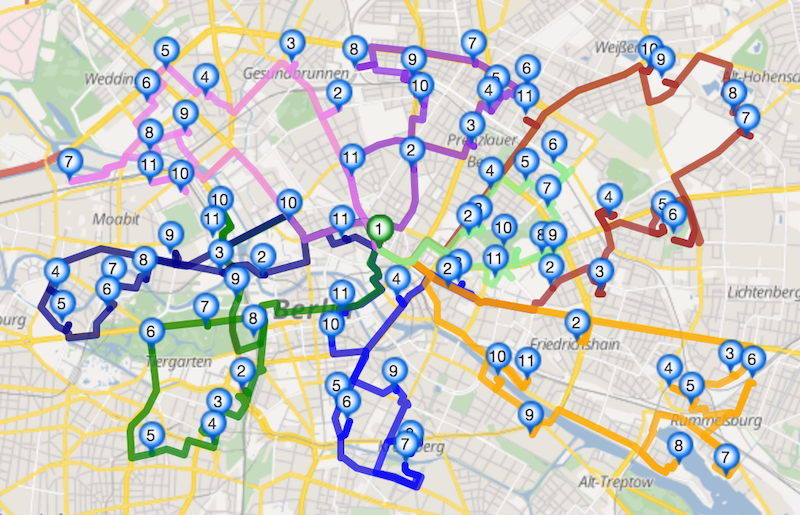
What began as a solo development expanded to team work: multiple core developers and many contributors. 3 years ago I already wrote a small retrospect and let’s expand on it a bit. It was and is an impressive journey for me and I still enjoy it every day and I think this applies to the whole GraphHopper team.
In the beginning I played around with Dijkstra and OpenStreetMap data and wanted to have it in Java as I wanted to leave my C/C++ experience behind me. Doing this in Java was the first challenge to solve.
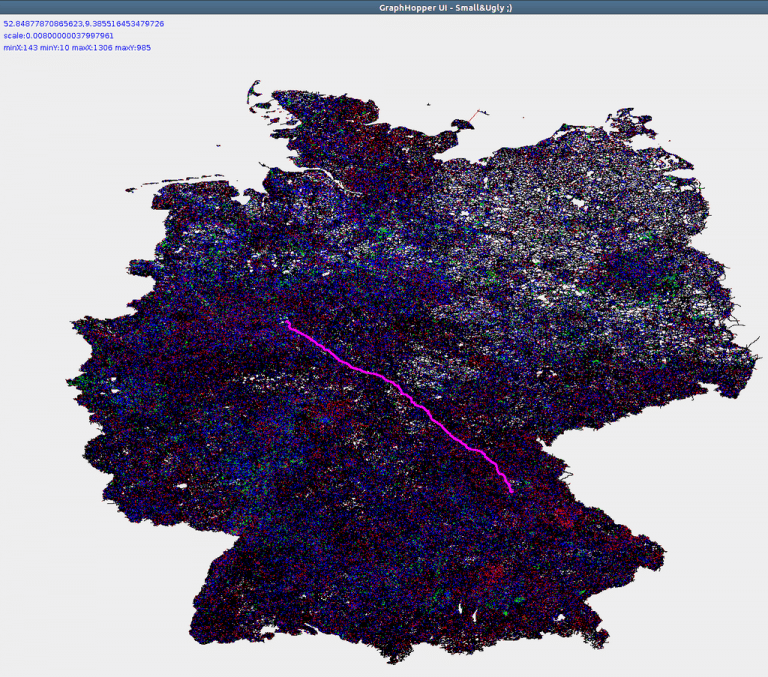
It took a few months and over 1 year and then I released version 0.1.
Later NopMap contributed elevation data improvements and other vehicle profiles, so not only car worked, but also routing for horses. Other profiles like foot and bike were added. Many bike profile improvements came and come from ratrun. With this help the new biking feature for the Directions API was launched even a bit earlier than Google Maps was able to provide directions for bikes in Germany & France. Of course we used and still use OpenStreetMap data and that is the reason we are still ahead of many others (:proud_smiley).
For several years the routing engine did not support turn restrictions. And even after this big feature was contributed from Karl, it was still not available for the so called speed-mode (Contraction Hierarchies). It is incredible hard to implement turn cost support for the speed-mode with a ‘normal’ “node-based” graph that we are using, i.e. junctions are nodes and the connections are the edges. And then luckily Andi was able to implement this. See this PR and the 0.12 release announcement for more details on this journey.
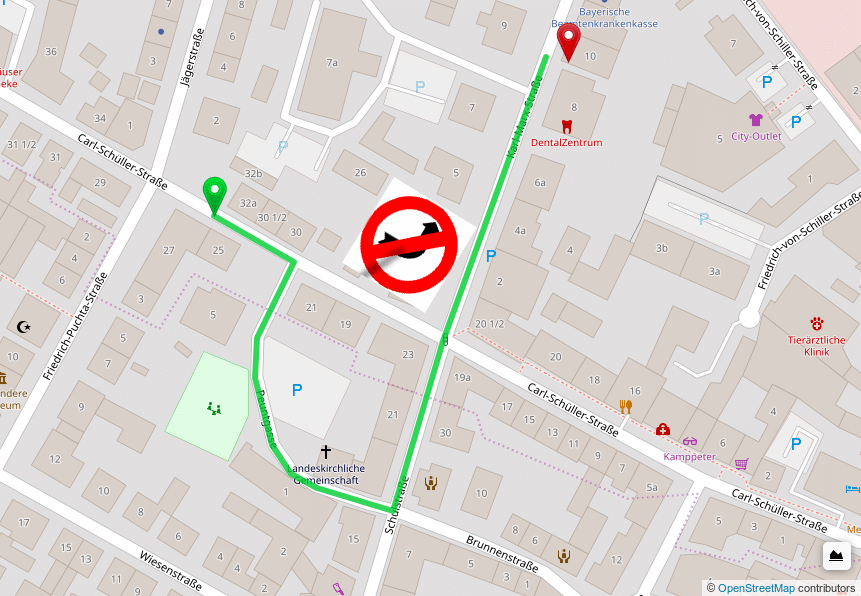
Michael and Stefan Holder implemented a fast and high quality Map Matching after I created an initial “very heuristic” version.
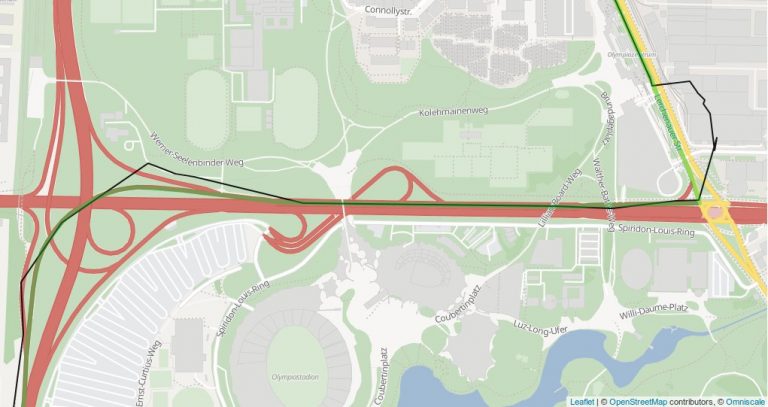
Michael also implemented the public transit module.
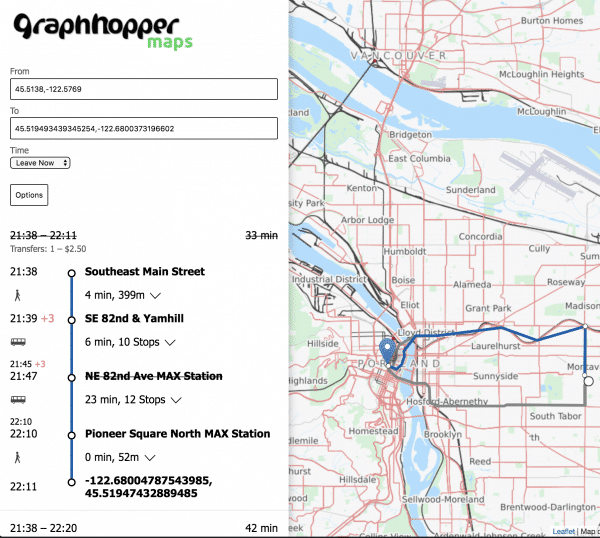
The Isochrone module, first a commercial feature, later open source, was created from Michael and me.
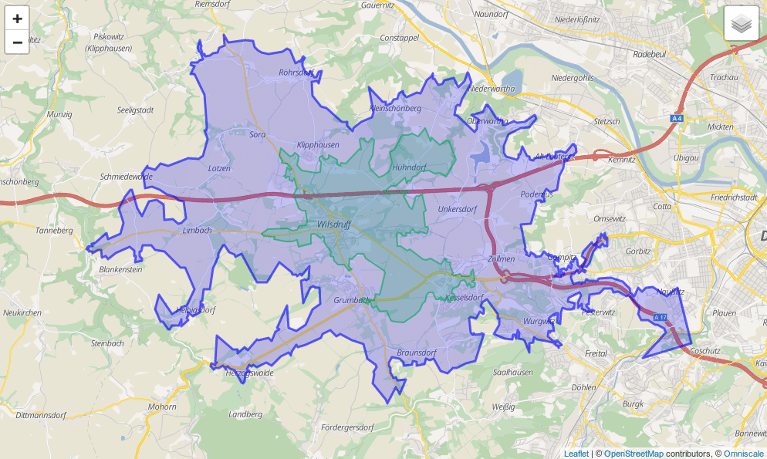
In 2018 we introduced a fully open source navigation feature for Android, including a demo app, forked from Mapbox and mainly developed from Robin (kurviger)
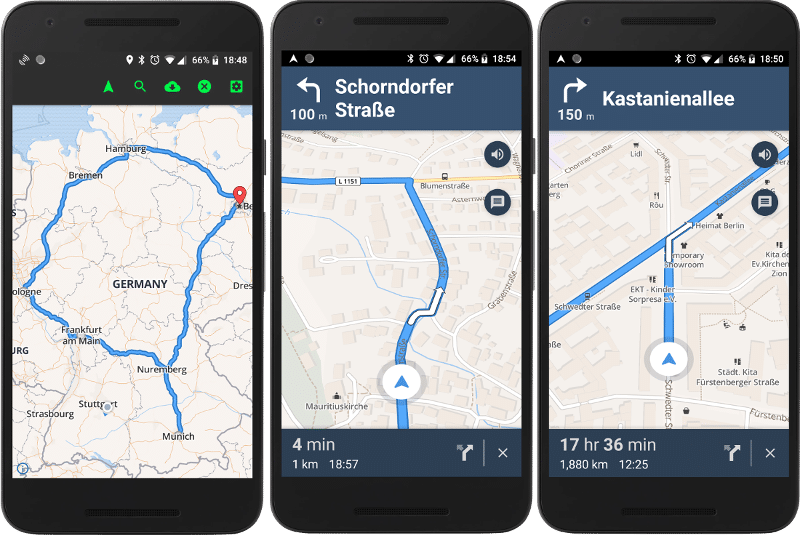
Furthermore Robin improved the turn instructions, implemented round tours, the motorcycle vehicle profile and many more things.
Over the years we got 43 translations for the turn instructions – special thanks goes to Manfred and his team!
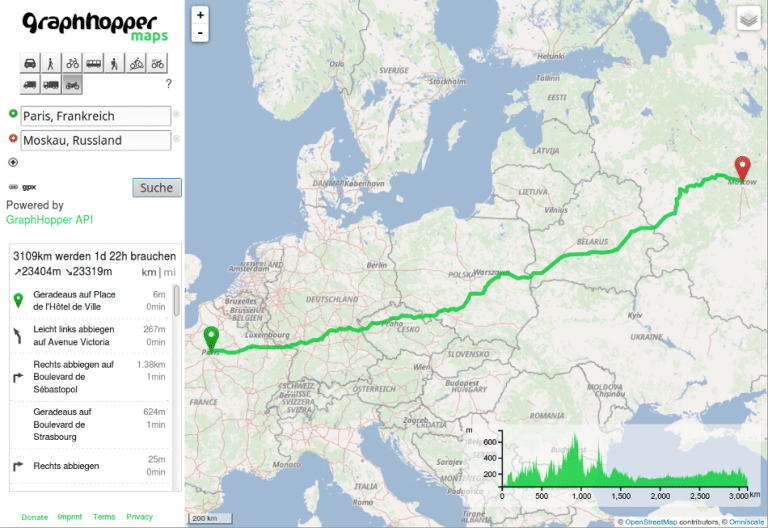
The UI was initially developed from me and was improved from others like fbonzon (Bikewithme) and Andi.
There is now even a GraphHopper fork that does routing on rails.
The new 1.0 release will contain many improvements regarding elevation (from Michael Barry) and improvements useful for e.g. truck routing developed (from otbutz).
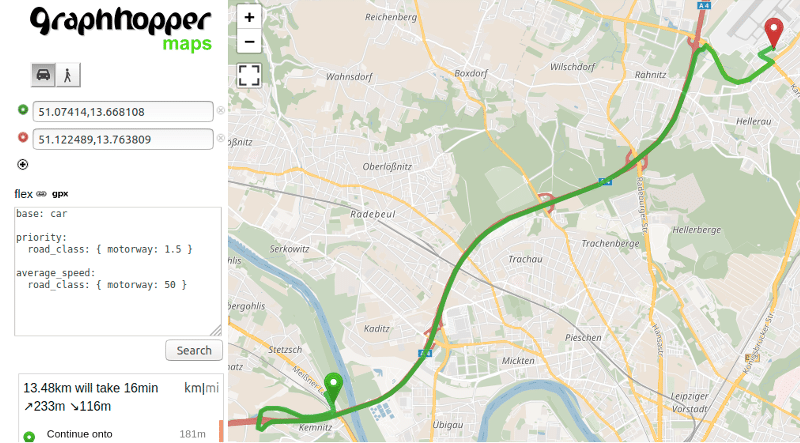
An exciting new feature for the 1.0 release will be a highly configurable routing.
Over the years our open source work was supported from Komoot, Deutsche Bahn, Talent Systems, GPSies, Geofabrik, curbside, Falk, BMW Car IT, Sidekix and kurviger. And last but not least from the GraphHopper GmbH. Thanks a lot!
Have a look into the older release announcements with many more unnamed contributions like from @jansoe, @clns or @devemux86:
