Don’t hesitate to contact us:
Forum: discuss.graphhopper.com
Email: support@graphhopper.com
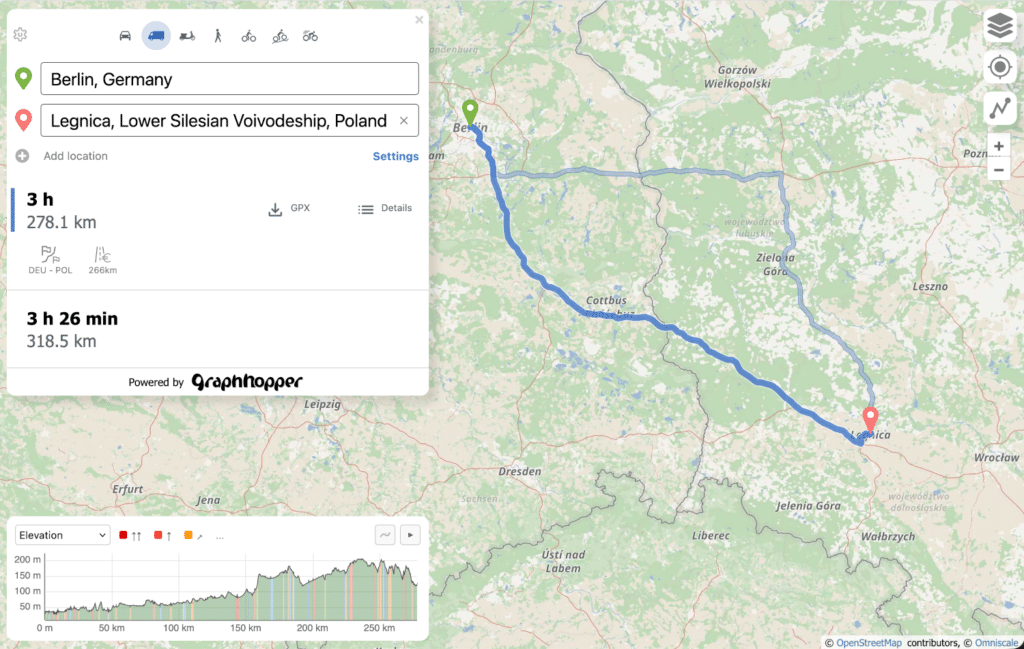
Plan your next trip or outdoor adventure with a free, open route planner. GraphHopper Maps supports a wide range of travel modes including cycling, walking, driving and trucks, all built on OpenStreetMap.
Alternative route suggestions and a variety of map backgrounds help you find the best path. The planner is built for speed and reliability, staying responsive even on slow or unstable connections.
GraphHopper Maps is fully open source. You can host it on your own servers or connect it to our privacy-friendly Directions API, operated from Germany.

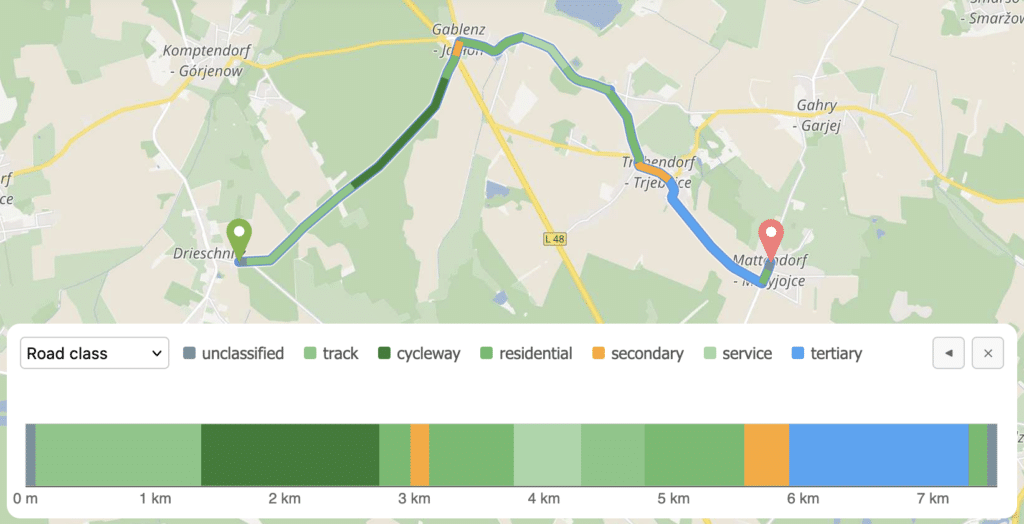
The Details panel gives you a breakdown of surface type, incline, stress level and more, so you can understand what a route actually involves before you set off.
A chart in the bottom right visualizes these values across the full route, making it easy to spot where conditions change along the route.
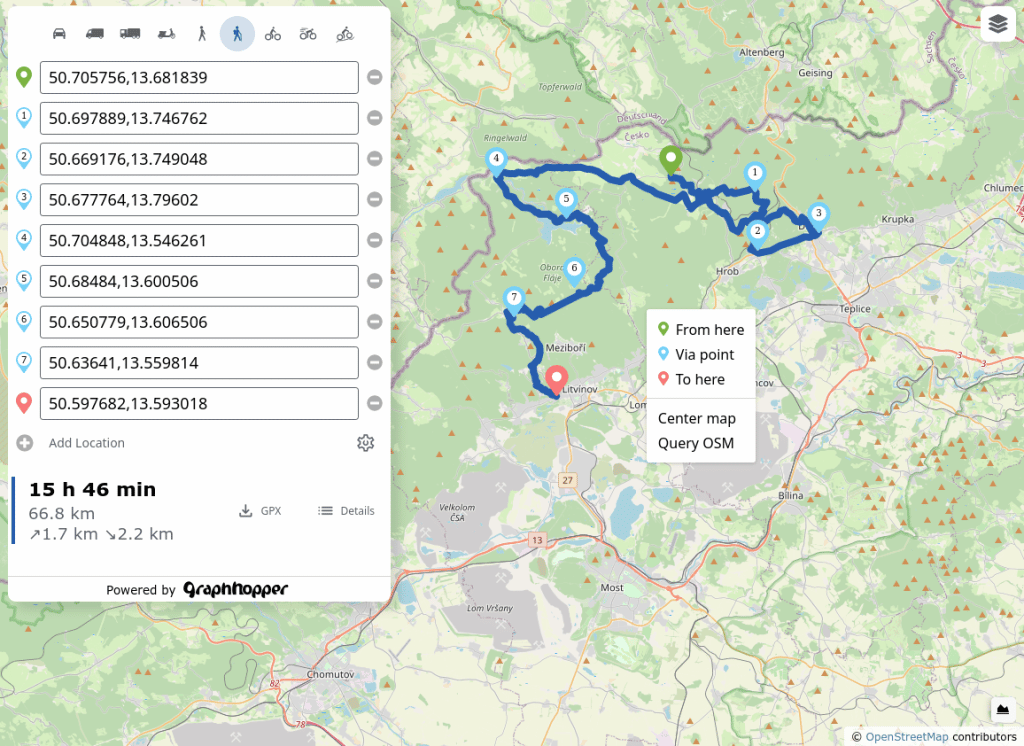
Planning a longer bike ride or hike with multiple waypoints is straightforward. Right-click anywhere on the map to add a stop, or use the sidebar to build out your full trip.
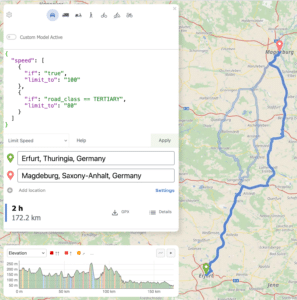
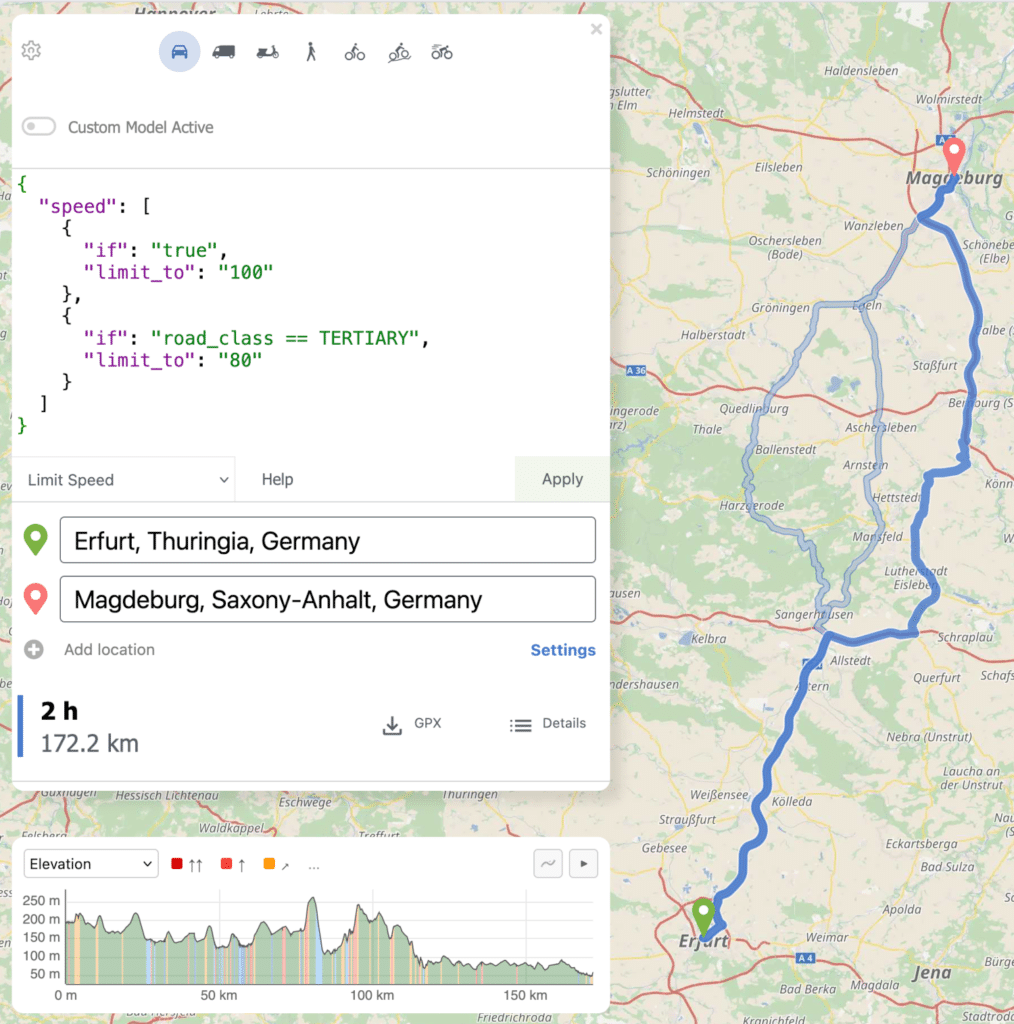
Beyond the standard settings for avoiding motorways or ferries and selecting vehicle types like the e-cargo bike, the powerful custom model ( ) gives you fine-grained control over how routes are calculated to match your specific needs.
After the route planning you can download the GPX or just copy the URL to share the route with your family, friends or for mobile usage. Try it out with this URL.
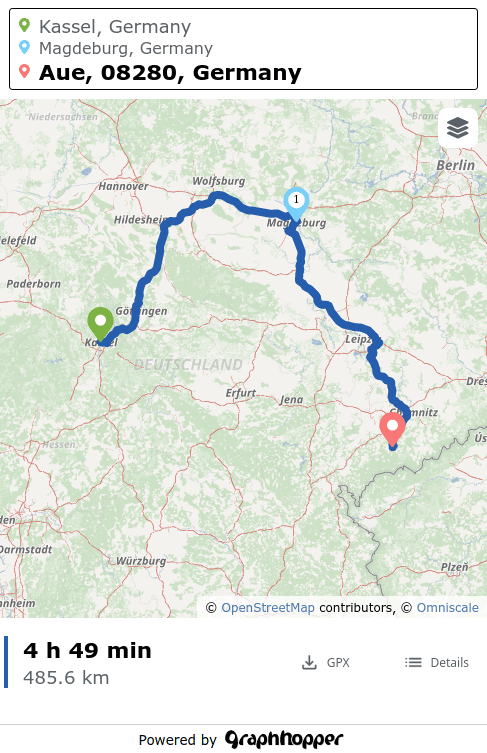
GraphHopper Maps works smoothly on all major mobile browsers, including Chrome, Firefox and Safari. The interface is designed for smaller screens, so planning a route on the go feels natural. When you’re ready, export your route as a GPX file to use in other apps.
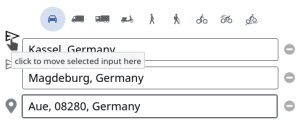
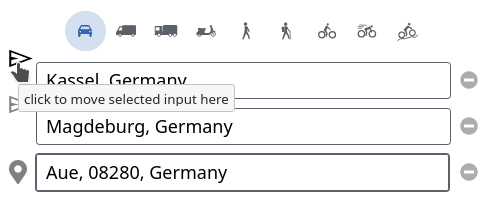
Managing many stops on mobile is just as easy. Tap the colored pin next to any location and drag it to a new position in the list ( ) to reorder your stops on the fly.